
Dashboard
The updated New User Approve feature now includes a streamlined dashboard that allows admins to approve or deny requests directly from a single interface. In addition to handling approvals, the dashboard provides a clear overview of total requests, including pending, approved, and rejected requests. Admins can also seamlessly navigate to other relevant tabs directly from the dashboard, improving efficiency and workflow management.
- Go to the Admin Dashboard > New User Approve > Dashboard.

- On the Dashboard page, the admin can view analytics of all user requests.
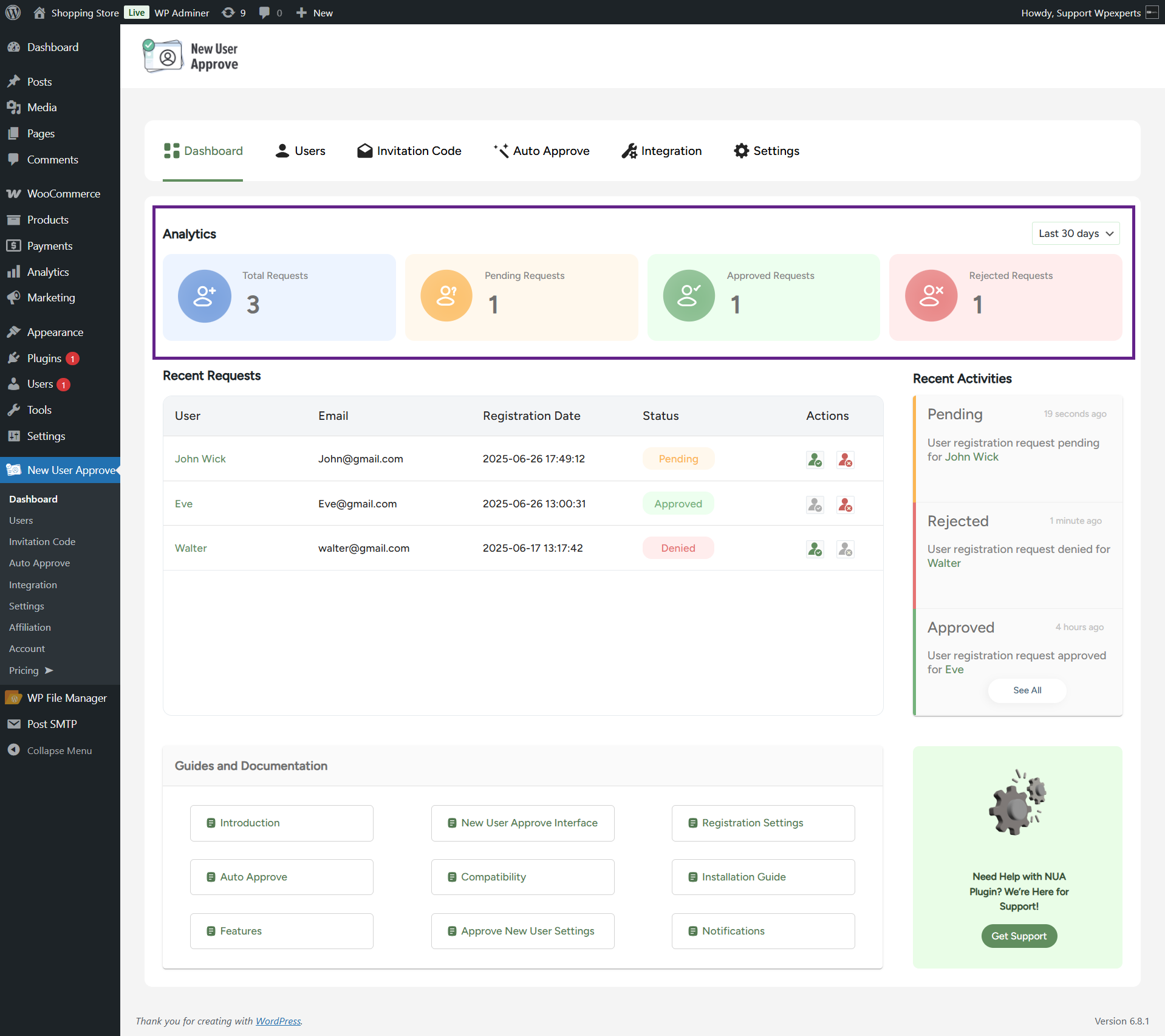
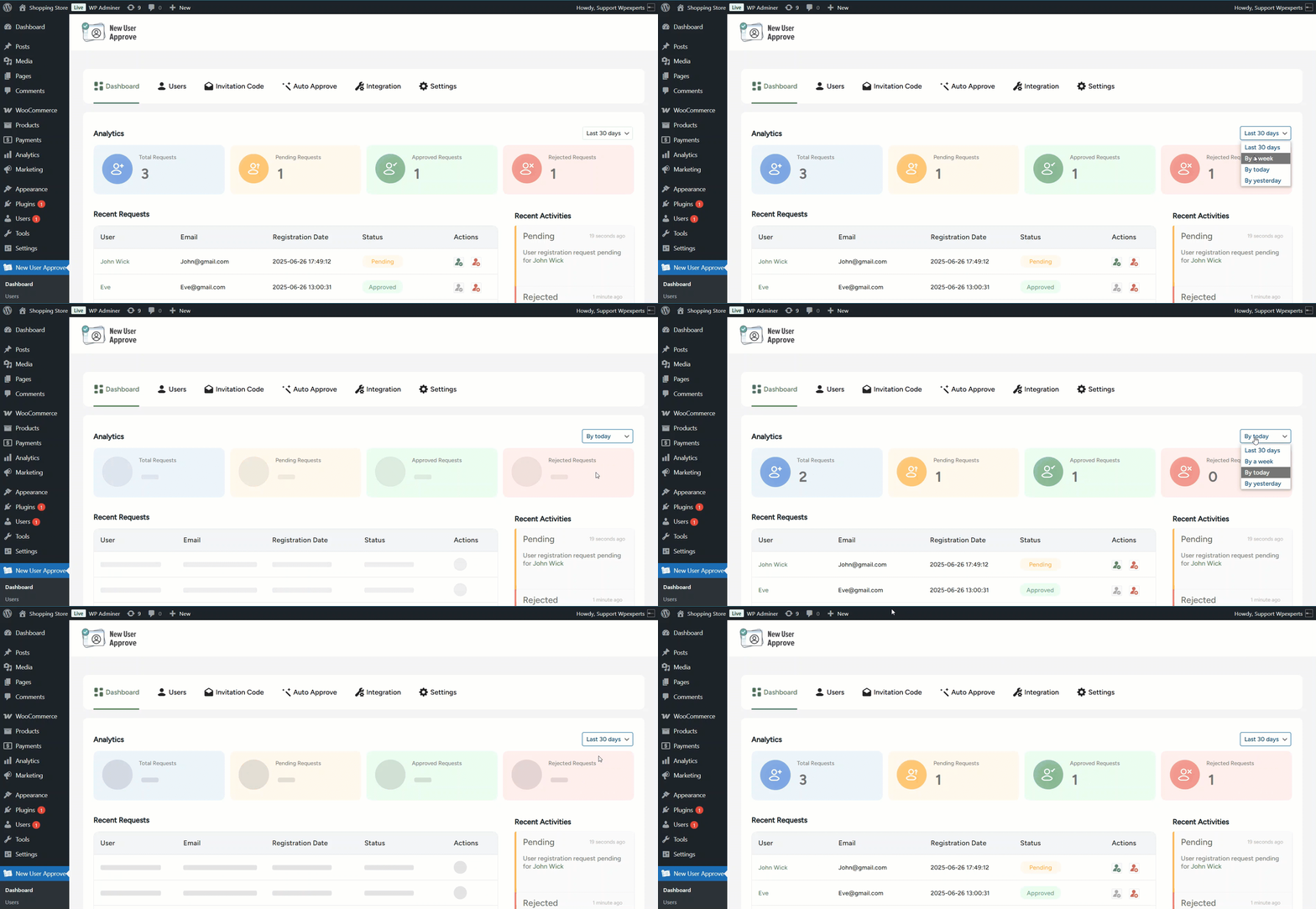
- The admin can filter analytics data for better insights
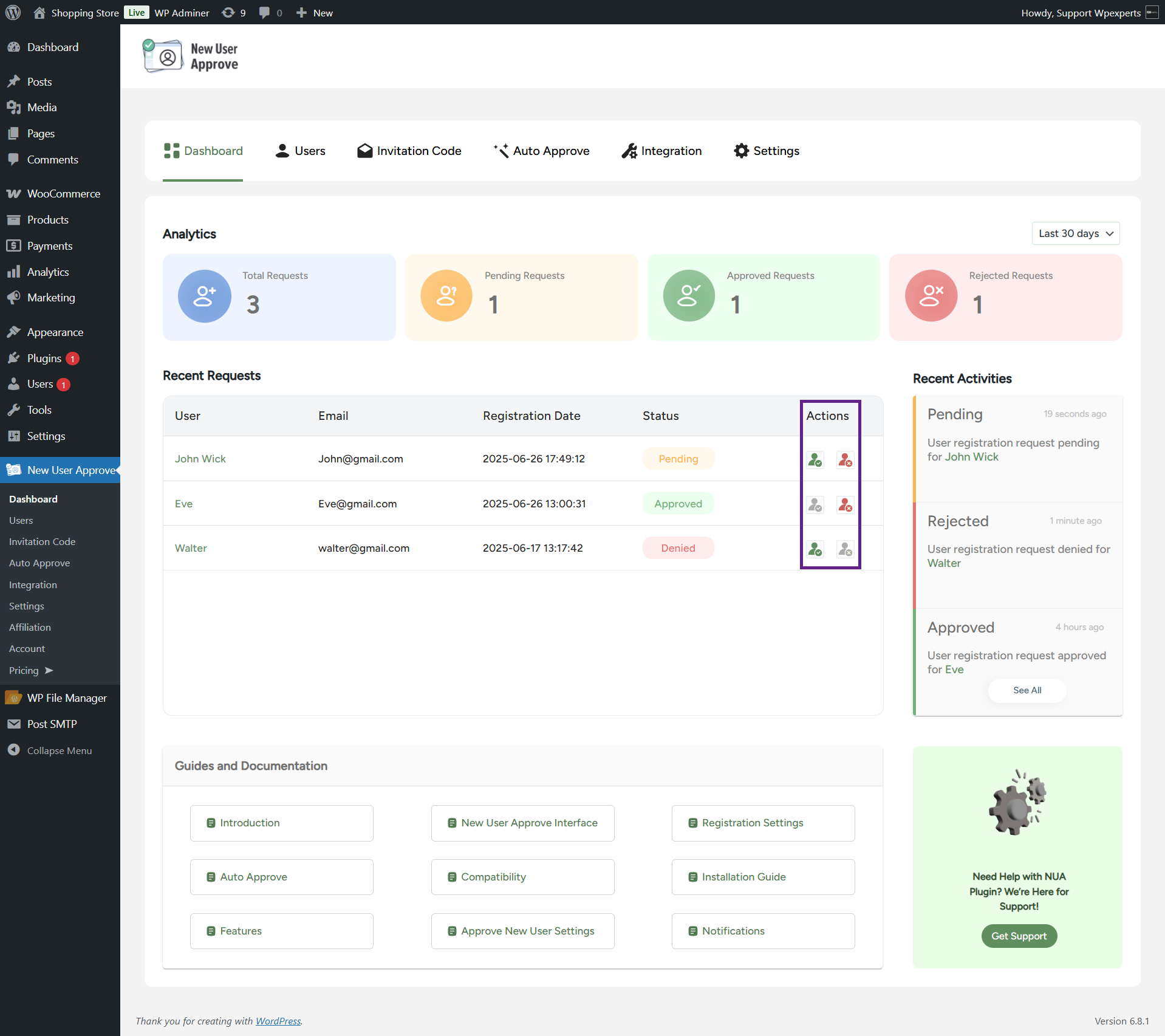
- All recent requests will be displayed in the Recent Requests table.

- The admin can directly approve or reject recent requests from the Actions column.
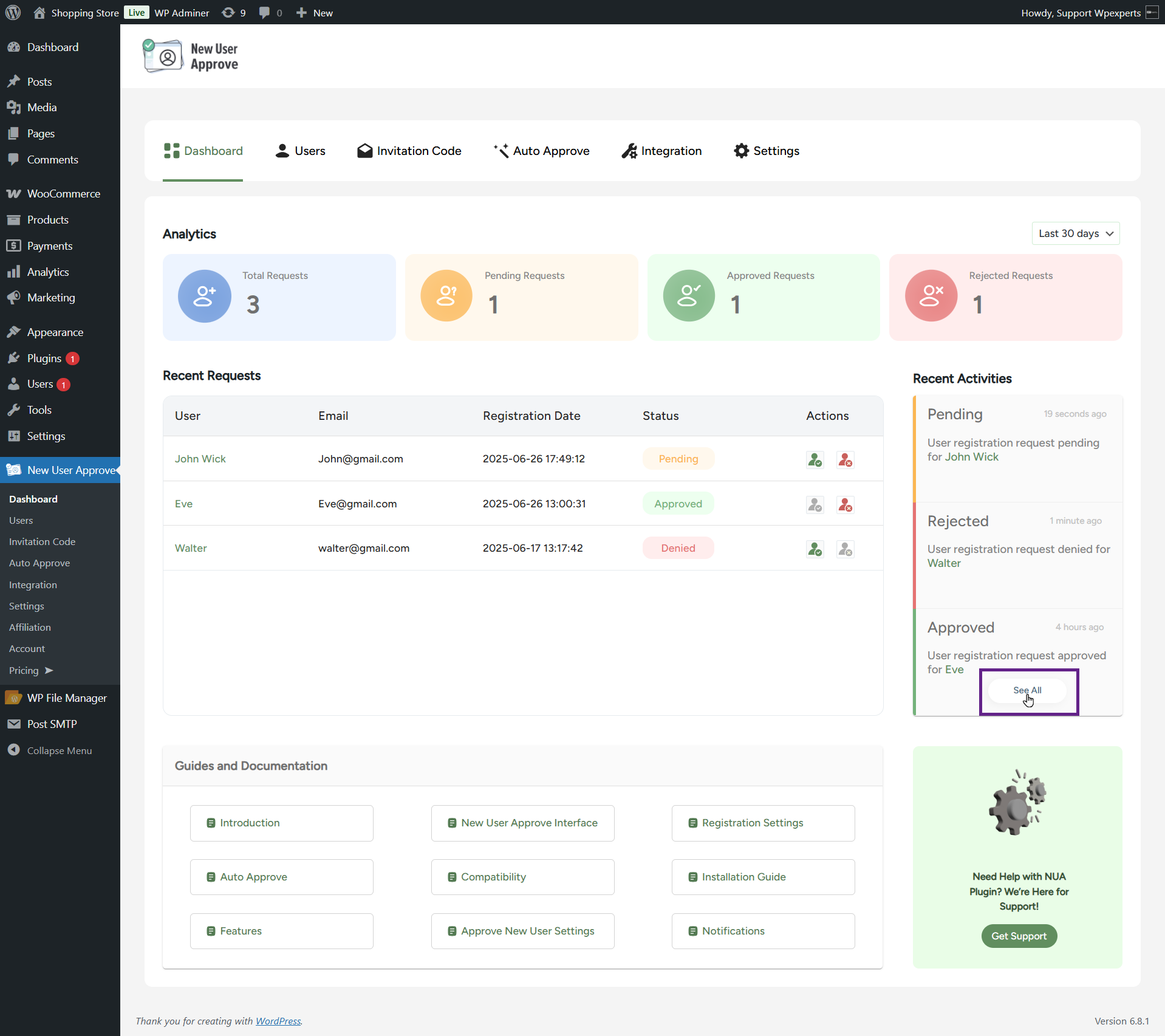
- The Recent Activities section displays the most recent actions taken on user requests, such as approvals and rejections.
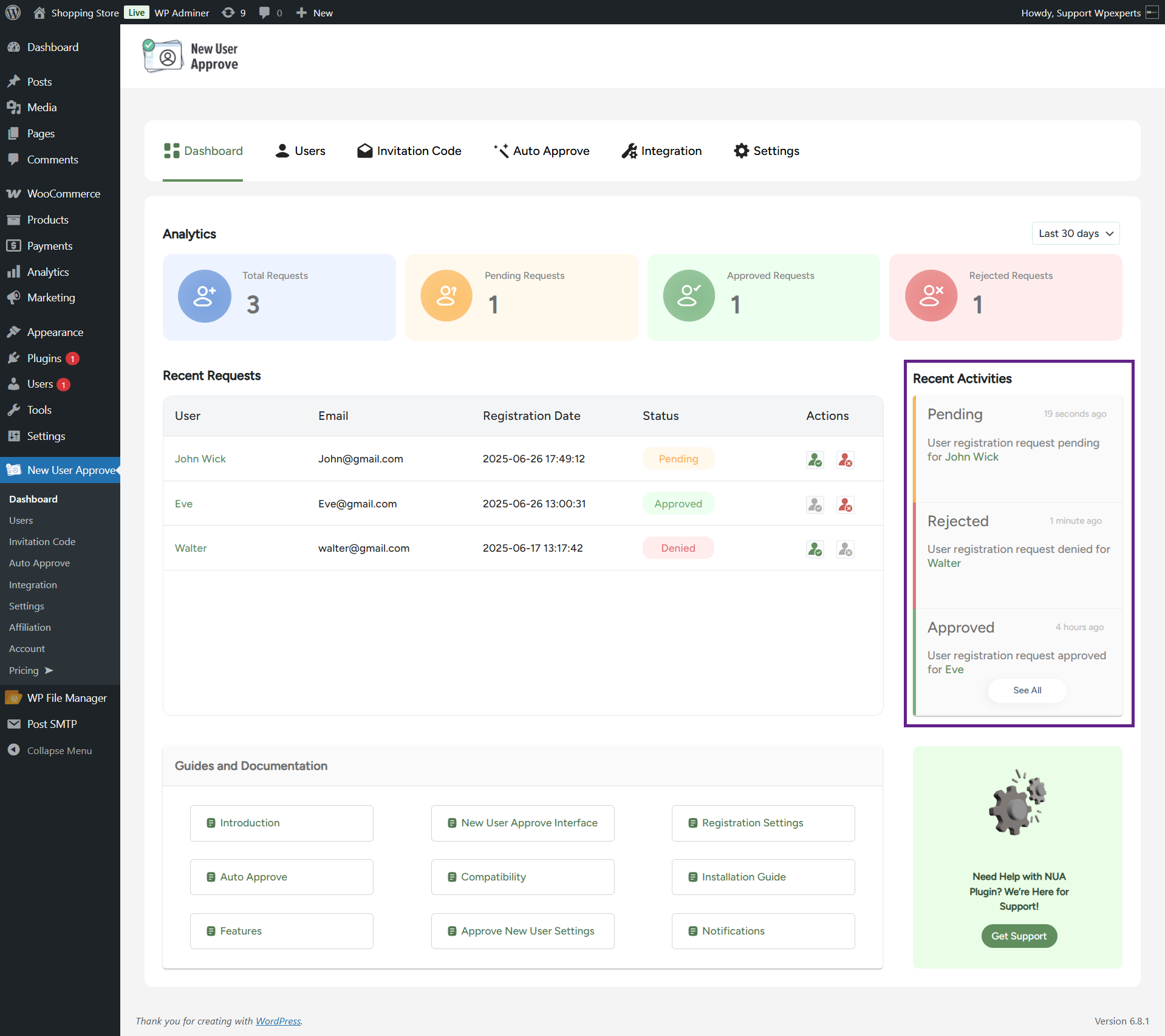
- Clicking the See All button will redirect the admin to the New User Approve > Users header.
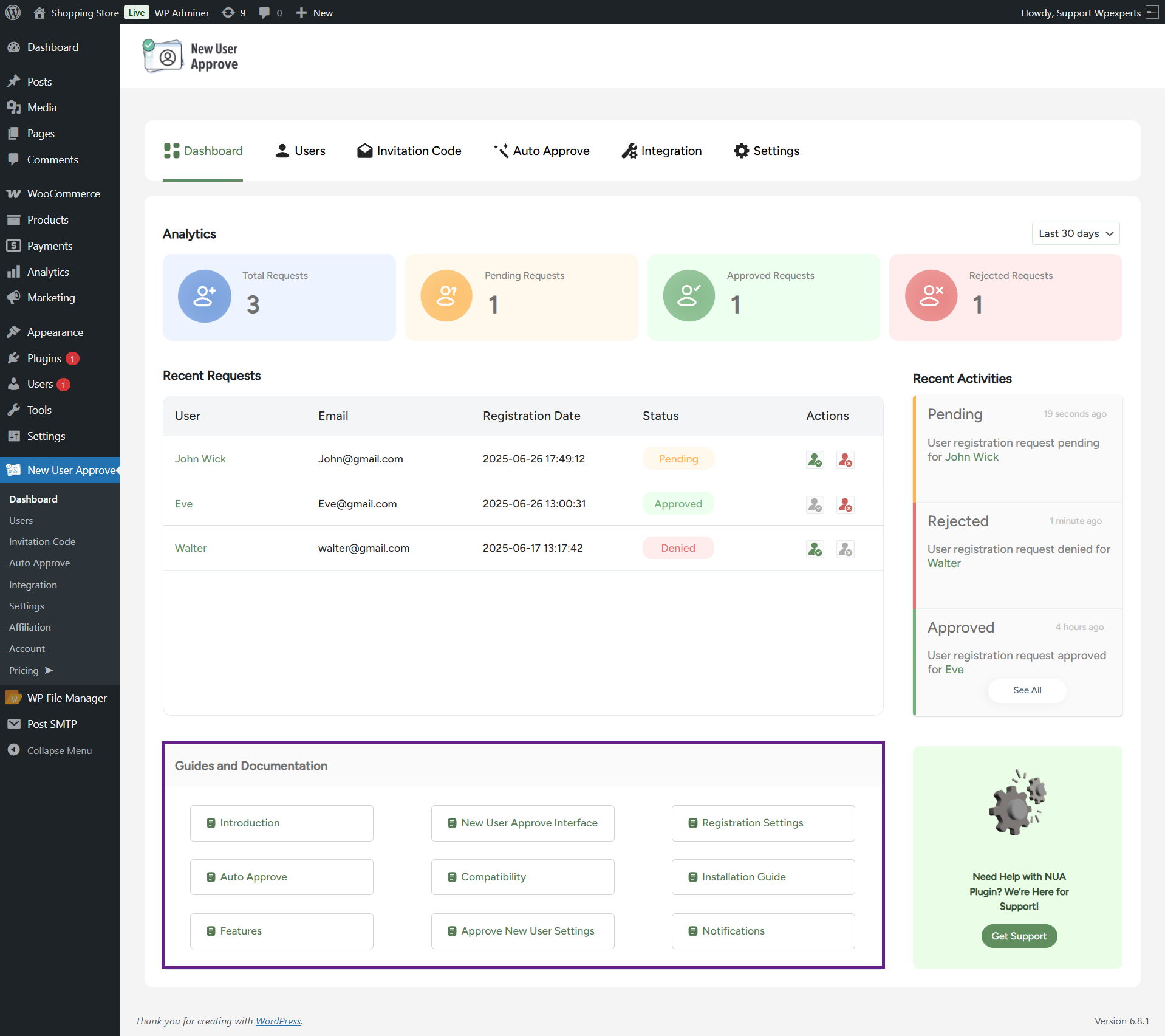
- The dashboard includes direct links to documentation, enhancing the user experience and making it easy for admins to refer to user guides when needed.
- Clicking the Get Support button redirects the admin to the support page for assistance.
