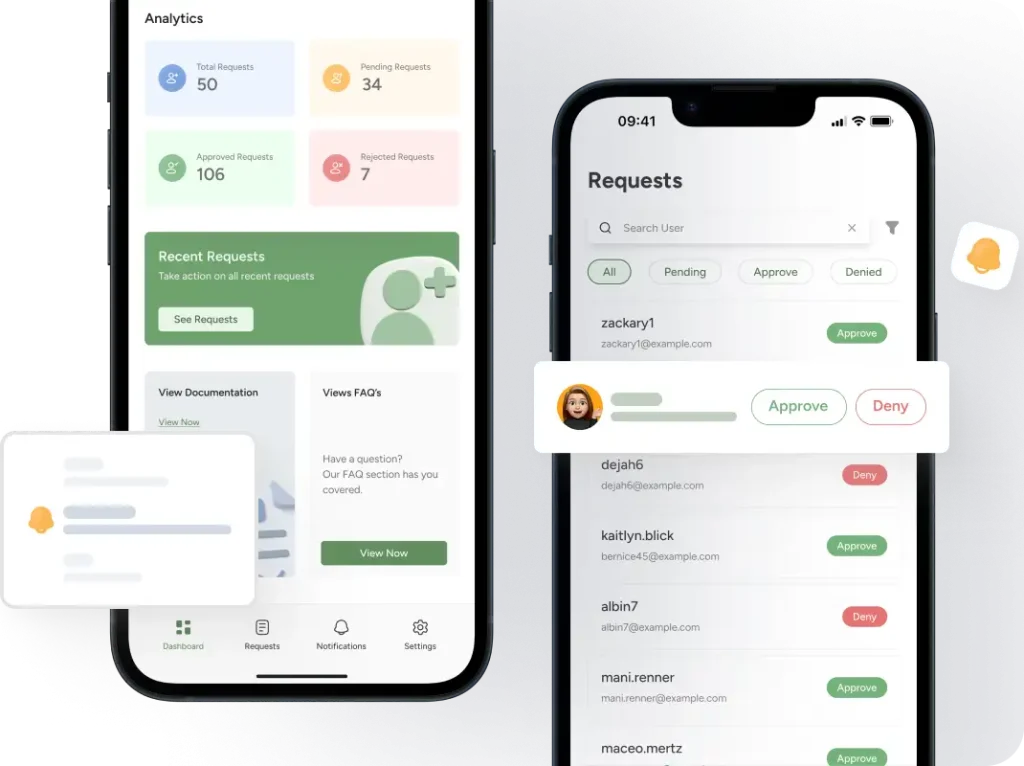
Swiftly Manage User Approval Requests Anytime, Anywhere

New User Approve mobile app gives you full control of your WordPress user approvals straight from your phone. View key stats, review requests, approve or deny users, and get instant notifications – all on your mobile screen.

Monitor approval activity in real time
Review and manage pending requests instantly
View detailed user profiles before approving
Get In On

Google Play

Download on the

App Store

20K+ Active Installs

4.3 Out of 5 Stars

14 days Money-Back

Take Charge of User Approvals With Zero Hassle

Gain complete control over who joins your WordPress site. This mobile app lets you review new registrations quickly, apply filters, and decide access with confidence.
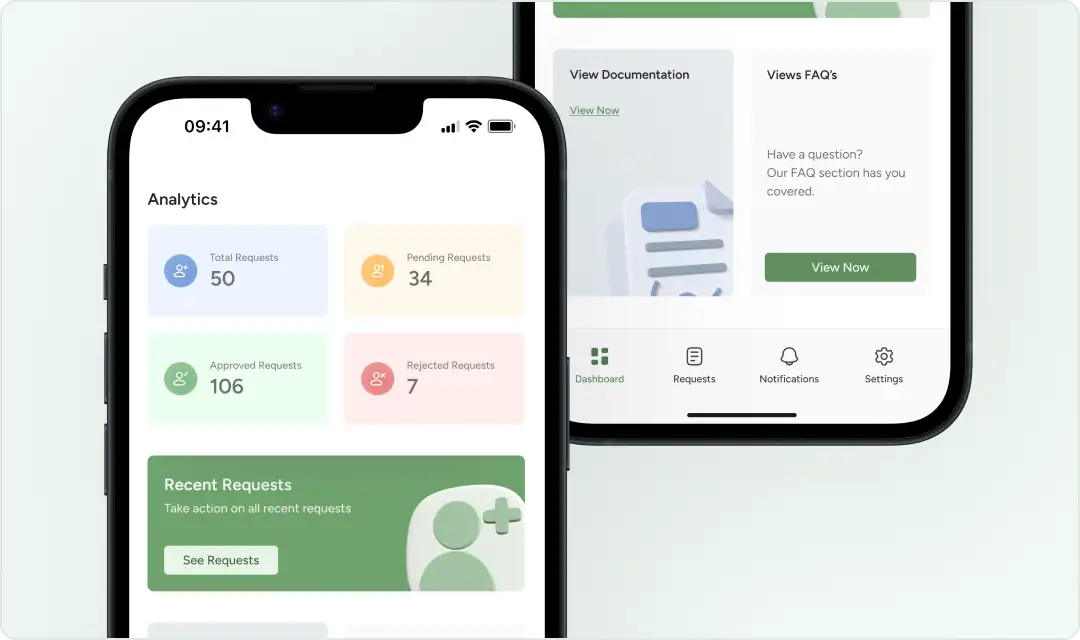
Receive and see all the recently arrived requests
Easily access plugin documentation on your phone
See the total number of requests at a glance on the dashboard
Manage plugin settings effortlessly from bottom navigation
Stay updated while being off desktop

Instant User Approval Management From Your Phone

Stay on top of every registration request without logging into the desktop WordPress. Get direct access to your approval workflow so you can respond fast with the New User Approve Mobile app.

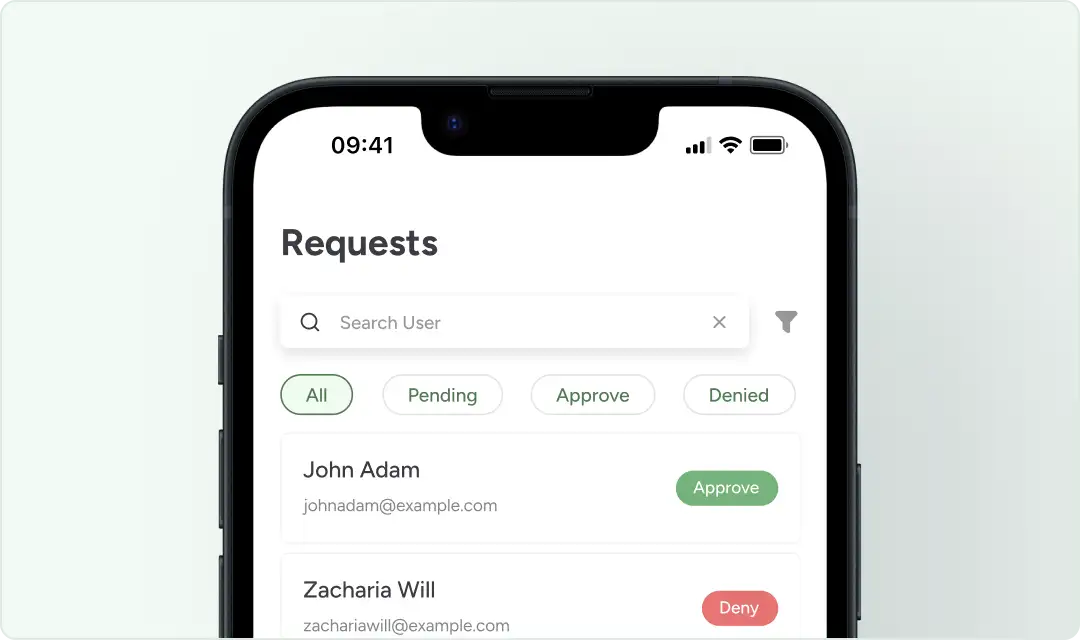
View all user requests in one place, organized by All, Pending, Approved, and Denied
See all the pending requests in one place
Approve or deny user requests with a single tap
Use filters to sort users by status or other criteria
Search for specific users instantly
Jump between Dashboard, Requests, Notifications, and Settings using simple bottom navigation

Detailed User Profile View

See complete user information before making an approval decision. The User Details screen shows the user’s personal information pulled directly from your WordPress database.
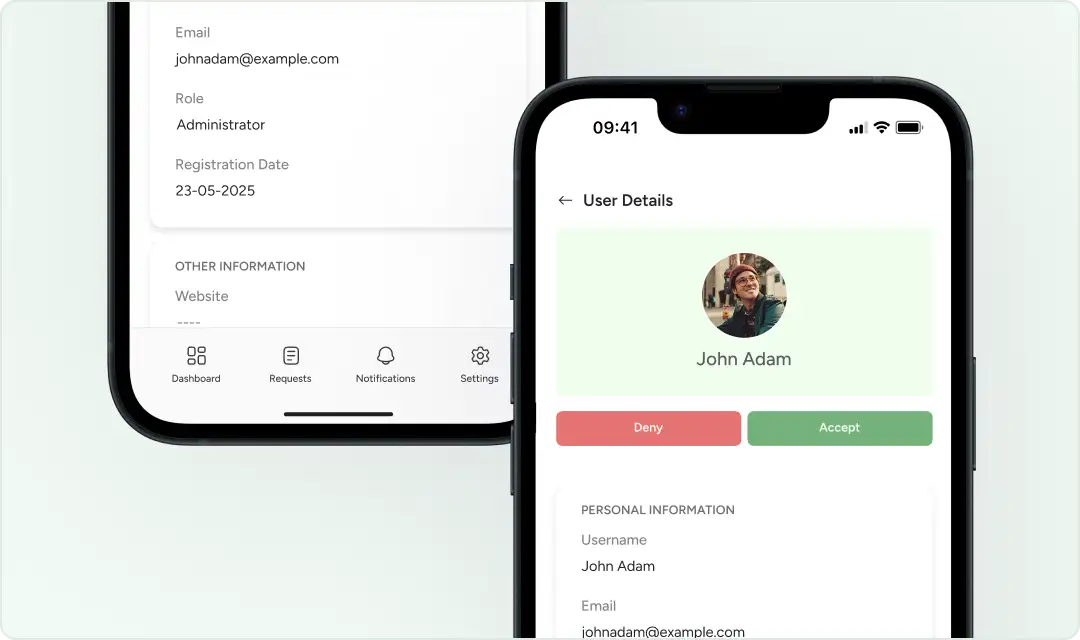
View the user’s username, email, and assigned role
Open a clean, organized profile layout for quick review
Approve or deny the user directly from the profile screen
Check additional information without switching tabs
Make confident decisions with all details in one place

Download the New User Approve Mobile App

And Manage Your WordPress Users Anywhere, Anytime.

Get In On

Google Play

Download on the

App Store

Easy Navigation

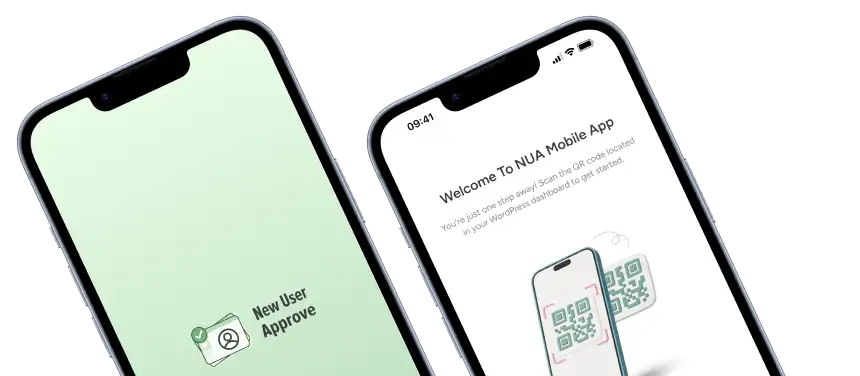
Set up the app in minutes. Scan the QR code from your WordPress dashboard to connect your device and unlock all mobile features. No complex configuration and no extra steps.

QR Code Scanner

Use the built-in scanner to pair your site securely. The QR code instantly links your mobile app to your WordPress installation. This guarantees a fast and reliable connection.
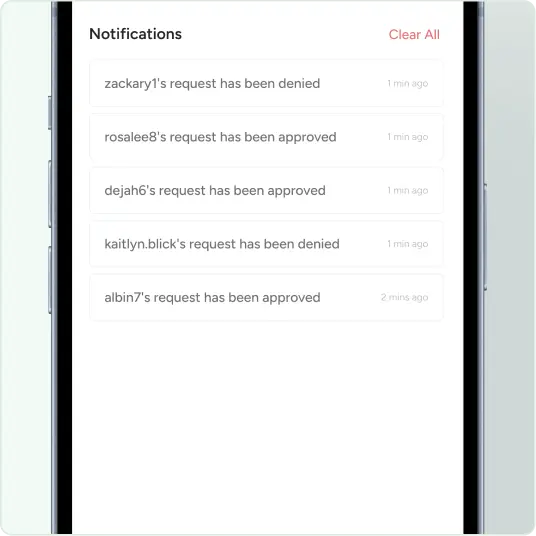
Check Notifications Instantly

Stay updated with real-time activity alerts. View every approval, denial, and new request as it happens directly inside the app. Clear all notifications in one tap to keep your inbox clean and your workflow focused. 

See what our customers have to say!

Automate your WordPress website’s user registration process using New User Approve. Receive user registration requests and send approval or rejection emails with customized messages.

Monkeydluffy
This is a great plugin for user approval. This helps spam accounts from registering because you would need to approve the accounts first.

I was so happy of the quality of the free version, that I bought the pro version. I had a custom request and support helped me instantly!
Compassiondan
I started to use New User Approve because I had installed Memberpress. I found that this plugin helped me with adjusting who could login into my Memberpress protected pages. I highly recommend trying this plugin.
Edwin01
Plugin works good, I like that you can customize the e-mails for approving users and my support question was answered in less than 24 hours.
Blueclick2000
I contact the “new user approve” plugin teams ans they help me to change some parameter the plugin cannot do. Some kind of adjustment. Nice follow up, fast answer… A Very good choice for my need!
Rosamarie Huber
I appreciate having this plugin, as many hackers try to register and break into my site every day. This keeps the membership private and safe.

FAQ’s

See some of the features below and learn why businesses trust New User Approve.

Scroll to Top