

WordPress is the CMS behind six out of ten websites on the internet. That makes it the biggest target for bots. If your site allows anyone to sign up, you will get spam registrations sooner or later. Most site owners don’t notice until their inbox fills up with strange welcome emails. This guide covers everything about fake users on WordPress.
You’ll learn what a WordPress fake user actually is, why bots bother creating them, how to spot the signs, and what to do about it.
By the end, you’ll have a full plan to block fake users on WordPress, not just a definition.
What is a Fake User on WordPress?
A fake user on WordPress is an account created by a bot instead of a real visitor. It’s not someone who signed up and lost interest. It’s an account that was never a real person to begin with. Fake users on WordPress sites are usually made in bulk by automated scripts that scan the web looking for open registration forms.
Most WordPress fake users fall into two groups.
1- Automated Bots
These are scripts built to crawl the internet, find registration pages, and fill them out fast. They don’t read your site. They don’t care what it’s about. They hit the default WordPress registration endpoint (/wp-login.php?action=register) because it’s the same URL on nearly every WordPress install.
2- Human Spammers
Less common, but they exist. Someone manually creates an account to test for weak passwords, look for a way to escalate their access, or use your profile fields to plant links back to their own site.
You’ll also see the terms spam users, spammy users, and website fake users used for the same thing. There’s no real difference. Some people say “spam account,” others say “fake user”.
The one thing worth remembering.
A fake user on WordPress isn’t just a nuisance sitting in your database. It’s usually there for a reason, which is what we’ll get into next.
Why Do Fake Users on WordPress Register Themselves?
Fake WordPress users aren’t random. Each account usually serves one of a few specific purposes for whoever or whatever created it.
- Comment and forum spam – A registered account gets past anti-spam checks that block anonymous visitors. This is one of the most common reasons behind fake sign-ups.
- Privilege escalation – Most bots register at the lowest access level, Subscriber. From there, they probe for plugin vulnerabilities that let them climb to Editor or Administrator. This is more likely on sites running outdated plugins.
- SEO manipulation – Some accounts exist to plant backlinks in profile fields or post spammy content, hoping to boost rankings for a completely different site.
- Malware and phishing distribution – A fake user account gives spammers a way to host links to malicious downloads or phishing pages inside your site’s trusted domain.
- Credit card testing – On membership and donation sites, attackers sometimes run stolen card numbers through payment forms using fake user accounts. You’ll usually see this as a cluster of small, odd-amount charges from generic email providers.
- Resource exhaustion – Even without a clear “goal,” mass user registration attempts burn server resources as database writes, welcome emails, and PHP processing. On a sustained attack, this can slow the site down for real visitors.
Bots target the default WordPress registration URL because it’s identical across nearly every install. They’re not picking out your WordPress site; they’re hitting every open door they find.
How Do You Know If You Have Fake Users on WordPress Site?

A few signs, on their own, don’t prove much. Two or more together usually mean bots have found your registration form.
- A sudden spike in registration emails – If your inbox fills up overnight with new-user notifications, that’s the first red flag most WordPress site owners notice.
- Strange or meaningless usernames – Random strings like user8823xyz or john99271 are common in bot-generated accounts. Real users tend to pick names that make sense to them.
- Disposable or suspicious email domains – Addresses from temp-mail services, or clusters of accounts from the same unfamiliar domain, are a strong signal.
- Empty or blank profiles – No bio, no avatar, no site activity. Only an account that exists and nothing else.
- Accounts that never log in again. A pile of registered users who never return after sign-up is one of the clearest signs of bot activity, since real users usually come back at least once.
- Multiple sign-ups from the same source. A burst of new accounts from one IP address or IP range, all within a short window, points to an automated script rather than separate people.
If you’re seeing two or three of these at once, it’s safe to assume your WordPress site is being targeted and worth moving on to why that matters.
Fake Users on WordPress: What Happens If You Don’t Stop Spam Registrations?
Fake users on WordPress don’t sit quietly in your database. Left alone, they cause real problems.
Database bloat
Every registration writes rows to wp_users and wp_usermeta. Ten thousand spam accounts slow down queries, inflate backup size, and raise hosting costs.
Security exposure
Most bots register as Subscriber, the lowest role. But a plugin vulnerability can let one of those accounts escalate to Editor or Administrator. Dormant spam accounts sitting in your database are a bigger attack surface than an empty one.
Email deliverability damage
WordPress sends a welcome email on every registration and a notification to the admin. When bots register with fake or dead inboxes, those emails bounce. High bounce rates get your server flagged by Gmail, Outlook, and other providers, which hurts delivery for real emails too.
SEO and reputation cost
Search engines weigh credibility and engagement when ranking a site. A user base full of gibberish accounts and spammy profile links reads as low quality. That drags rankings down for the real content on your site.
Wasted admin time
Someone has to sort fake accounts from real ones. On a site with a few thousand spam users mixed into the list, that’s hours of manual review.
How Do You Stop Fake Users on WordPress From Registering?
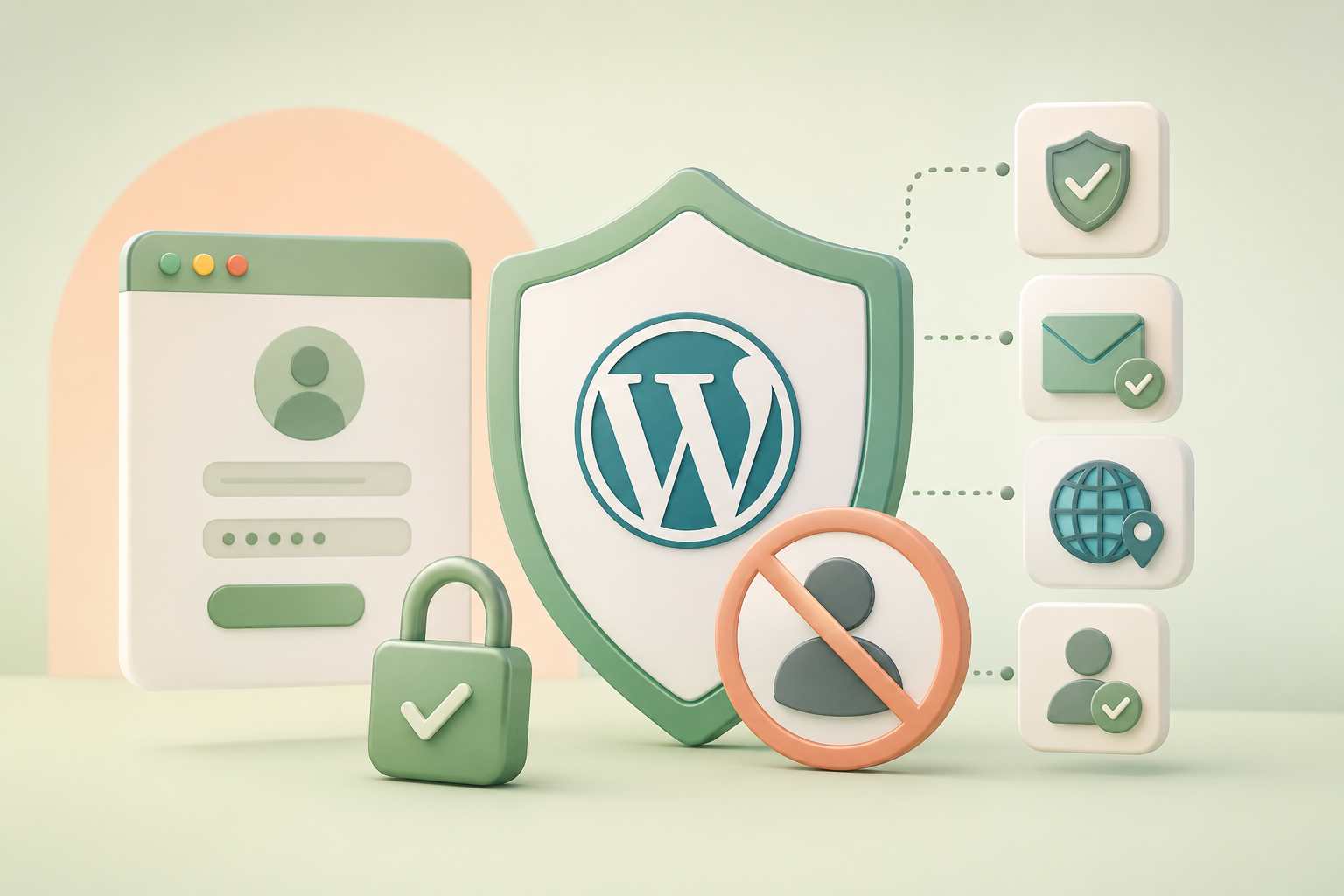
No single method blocks every spam bot. Combine two or three and you cut the volume down to almost nothing.
Should you disable registration entirely?
If your site doesn’t need user accounts, this is the fastest fix. Go to Settings, General, and uncheck “Anyone can register.” It closes the door completely, for bots and humans both. Skip this if you run WooCommerce or a membership site that needs sign-ups.
Does CAPTCHA stop fake sign-ups?
reCAPTCHA blocks a large share of basic bots. It’s not perfect. Some automated scripts now bypass visual CAPTCHAs entirely by hitting the WordPress REST API or wp-login.php directly instead of the front-end form. CAPTCHA is worth adding, but don’t treat it as the only layer.
Does email verification prevent spam accounts?
Yes, for a specific type of fake account. Requiring users to click a confirmation link before their account activates filters out sign-ups made with invalid or disposable addresses. It won’t stop a bot from submitting the form. It stops that account from ever becoming usable.
Can you block registrations by domain or country?
Yes. You can:
- blacklist specific email domains (tempmail.com, mail.ru, and similar disposable providers show up often in spam sign-ups) and
- block IP ranges or entire countries known for high spam volume.
Geo-blocking works best as one layer among several, not a standalone fix, since it does nothing against spam originating from allowed regions.
What role does manual approval play?
This is the most reliable filter for sites where every registration matters, like membership organizations or client portals.
Instead of auto-approving every sign-up, an admin reviews and approves each one before the account goes live. It takes a bit more time per user, but it catches what CAPTCHA and email verification miss.
Our guide on how to moderate new user registrations in WordPress covers the setup step by step, and how to prevent spam registration on WordPress walks through combining it with the other layers above.
How Do You Remove Already-Present Fake Users On WordPress Site?
Go to Users, All Users. Sort by registration date to spot clusters that signed up in a short window, or by role to isolate Subscriber accounts, since bots rarely register above that level.
Back up your database first – This matters more than it sounds. A backup takes a few minutes; restoring one wrong deletion doesn’t.
Check each account before deleting – Look for the signs from earlier: blank profiles, gibberish usernames, disposable email domains, no login history.
A user with a real name, a filled-out profile, and at least one login is probably real; even if you don’t recognize them.
Select the accounts, choose Delete from Bulk Actions, and apply – For a few hundred accounts, that’s manageable by hand.
For thousands, a plugin like Bulk Delete lets you filter by criteria, such as
- users who haven’t logged in for 6 months or have zero posts, and
- remove them in one pass without checking boxes one by one.
WordPress’ default screen shows 20 users per page. Click Screen Options in the top right and raise that number so you’re not clicking through dozens of pages during cleanup.
One more check before you commit to deleting:
WooCommerce customers and members are also WordPress users. Deleting the wrong one could delete a paying customer’s account and order history.
Filter out Administrator, Editor, Shop Manager, and Customer roles before running a bulk delete, unless you’ve individually confirmed each one is a fake user.
What’s The Best Way to Manage New User Registrations Going Forward?
Cleanup fixes what’s already there. The most consistent approach is treating every new registration as something to review, not something to auto-approve.
Instead of an account going live the moment someone fills out the form, it sits pending until an admin checks it.
This is slower than open registration. It’s also the filter that catches what CAPTCHA and email verification miss, since a bot can pass both of those and still get flagged by a human glancing at the account.
For sites where every user matters, client portals, membership organizations, private communities, this is worth the extra step per sign-up.
For high-volume public sites like ecommerce stores with thousands of monthly sign-ups, manual review on every account isn’t practical, and a layered setup (CAPTCHA plus email verification plus domain blocking) makes more sense.
Four things to set up, in order:
- Turn on manual approval for new registrations.
- Add CAPTCHA to the registration form to cut bot volume before it reaches your review queue.
- Require email verification so unconfirmed accounts never sit in your queue at all.
- Decide whether registration should be open to everyone or restricted, covered in how to enable or disable user registration in WordPress.
None of this needs to be perfect on day one. Start with manual user approval, add the other layers as spam volume tells you where they’re needed.
Last Word on Fake Users on WordPress
The registration form on your site is public. Anyone can find it. That’s the situation, not a failure on your part. What separates a site that handles this well from one that doesn’t isn’t luck. It’s whether someone’s checked the user list in the last month, and whether there’s more than one filter standing between a bot and an active account. Pick one thing from this fake users on WordPress guide and set it up this week. Manual approval if you run a small site. CAPTCHA if you’re getting hit with volume. Either way, check back on your user list in 30 days and see what changed.
FAQs on Fake Users on WordPress
Is it normal for a WordPress site to get spam registrations?
Yes. WordPress runs a large share of the web, and bots scan for its default registration page at scale, regardless of your site’s size or topic.
Can spam user accounts hurt my SEO rankings?
Indirectly, yes. Spammy profile links and low-quality content tied to fake accounts can signal poor site quality to search engines.
How do I tell a bot account from a real new user?
Check for a gibberish username, a disposable email domain, an empty profile, and no login activity since sign-up.
Should small or low-traffic sites worry about fake users?
Yes. Bots target the registration form itself, not your traffic numbers, so even a small site gets hit.
Does disabling registration break WooCommerce or membership sites?
Not automatically. WooCommerce has its own registration settings under WooCommerce, Settings, Accounts, separate from the core “Anyone can register” toggle, so you need to check both.