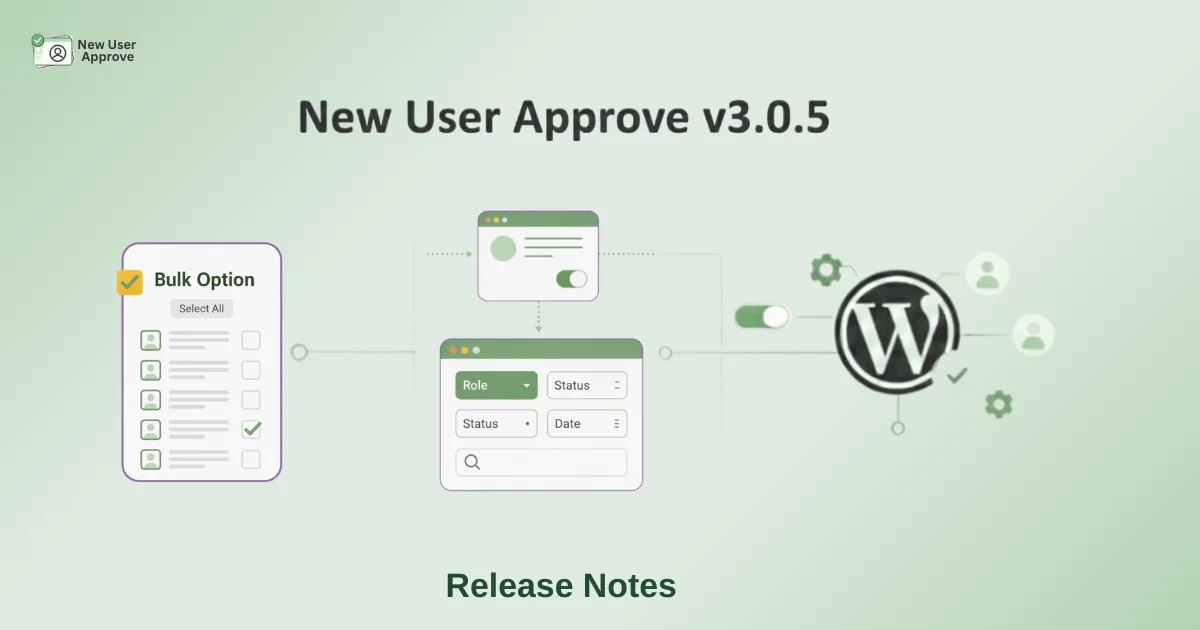
The New User Approve plugin is trusted by WordPress site owners who want full control over who gets access to their site. With the new version 3.0.5, we are making that process smoother, faster, and more flexible.
This new release note or product update brings two major improvements:
- Bulk Option and Filter – manage multiple users at once without wasting time.

- Integration with UsersWP – add an invitation code field to the UsersWP registration form for more controlled sign-ups.

Let’s take a closer look at each feature.
Bulk Option and Filter
Managing new users used to be a repetitive task. If you had dozens of pending requests, you had to approve or deny them one by one.
With the new bulk option, you can now select multiple users at once and approve or deny them in a single click.

This new feature is perfect for:
- Membership websites with many daily sign-ups
- Online learning platforms where multiple students register at once
- Communities that attract bulk registrations during promotions or events
Along with bulk actions, we’ve added filters so you can decide how many user entries show up on a single page.
You can choose to view 10, 20, 50, or 100 records at a time, depending on what’s easier for you.
A search bar is also available if you want to quickly find a specific user.

The benefit of this product update
Bulk approvals and filters save you time and reduce frustration when handling large user lists. Instead of spending minutes on each request, you can manage everything in just a few clicks.
Integration with UsersWP
We know many of you use UsersWP to create beautiful front-end registration and login forms. With this update, New User Approve is now fully compatible with UsersWP.
The integration introduces an invitation code field to the UsersWP registration form. This means that only users who enter a valid invitation code during registration will be approved. Remember, New User Approve already has existing features like approving or denying users.
These users are automatically approved or removing extra admin work.
Where this feature helps most
- Invite-only communities that want to stay private
- Membership websites with controlled access
Setting it up is simple. Just enable the invitation code option in the New User Approve settings.

The invitation code field will appear (see screenshot below) if the invitation code setting is enabled, as shown above.

The benefit of this product update
This WordPress integration gives you more control over who joins your site and makes the approval process seamless for trusted users.
Why This Product Update Matters
Version 3.0.5 is about removing friction. Bulk actions make your daily workflow lighter, while UsersWP compatibility gives you stronger control over registrations. Together, these changes help you:
- Save time on user management
- Keep your site secure with controlled access
- Offer a smoother experience for legitimate users
Ending Note
New User Approve 3.0.5 Release Note is now live and ready to use. Update your plugin today to start using bulk approval tools and the new UsersWP invitation code integration.
With every release, we aim to make user management more efficient and flexible. This version is another step in helping you stay in control without adding complexity.