


Building pages in WordPress should not feel like a technical task. Most site owners want control, speed, and clean results. That is why a WordPress page builder plugin matters.
The default WordPress editor works. But it has limits. You either stay basic or you install WordPress editor plugins that give you more control. This is where a drag and drop builder changes the workflow. You see the page as you build it. You move sections. You adjust layouts. No guessing.
In 2026, the choice is no longer about features alone. It is about output quality. Speed. Clean code. SEO impact. And how hard it is to maintain the site later.
This guide lists the 10 best WordPress page builder plugin options for 2026. The goal is to help you choose a builder that fits how you work and what your site needs. No generic advice. Just clear comparisons so you can decide and move on.
What Is a WordPress Page Builder Plugin
A WordPress page builder plugin is a plugin that lets you build pages visually inside WordPress. You move elements. You see changes in real time. No code needed.
This is different from a theme. A theme controls design styles. It does not control how you edit content.
It is also different from full site editing. FSE focuses on templates and layouts. Page builder plugins focus on pages.
Most people choose a drag and drop builder because it removes friction. You add text, images, buttons, or sections. You arrange them visually. That is it.
In 2026, plugins still dominate for one reason. Control. Themes change. Editors evolve. Plugins stay flexible.
You can switch themes without rebuilding every page. That matters on real sites.
If you want an easy drag and drop website builder that works across themes, plugins are still the safest choice.
How We Evaluated These Page Builder Plugins
We treated each tool as what it claims to be. A WordPress page builder plugin, not just a design layer. If it fails at output quality, it does not belong here.
Performance and Core Web Vitals
Speed is non-negotiable now. A slow site does not rank. It also does not convert.
We checked how each drag and drop builder affects:
- Page load time
- Largest Contentful Paint
- Total CSS and JavaScript output
Builders that load extra assets on every page scored lower. Lightweight builders that load only what is used scored higher. This matters for SEO and user experience.
SEO Output and Clean Code
Design means nothing if the code is messy.
We reviewed:
- HTML structure
- Excess div nesting
- Inline styles and unused CSS
A good WordPress editor plugin should not break headings, schema, or content hierarchy. Clean output helps search engines understand your pages. It also makes future edits easier.
Design Flexibility and Controls
An easy drag and drop website builder should not feel limiting.
We evaluated:
- Layout controls
- Responsive settings
- Reusable components
- Global styles
The best tools let you design without hacks. You should not need custom CSS for basic layouts. At the same time, advanced users should not feel blocked.
WooCommerce and Dynamic Content Support
Many sites sell something. Others show dynamic data.
We checked:
- WooCommerce product layout control
- Cart and checkout customization
- Dynamic content support for custom fields
A serious drag and drop website builder that also supports mobile app plugins must work beyond static pages. If it cannot handle products or dynamic data well, it limits growth.
Pricing and Long-Term Cost
Price is not about the cheapest option. It is about cost over time.
We considered:
- Annual vs lifetime pricing
- Site limits
- Renewal dependency
- Lock-in risk
Some WordPress page builders look cheap at first and get expensive later. Others offer stable pricing but fewer features. The balance matters.
Comparison Table of the Best WordPress Page Builder Plugin Options
This table gives a fast overview. It helps you narrow options before going deep.
| Page Builder | Best For | Performance Score | SEO Friendliness | WooCommerce Support | Pricing Model |
|---|---|---|---|---|---|
| Elementor | General users and marketers | Medium | Medium | Strong | Annual |
| Beaver Builder | Stability and clean builds | High | High | Good | Annual |
| Spectra (Blocks) | Lightweight Gutenberg users | Very High | Very High | Good | Freemium |
| Bricks Builder | Performance-focused sites | Very High | Very High | Strong | Lifetime |
| Oxygen Builder | Developers and custom builds | Very High | Very High | Strong | Lifetime |
| Divi Builder | Visual design heavy sites | Medium | Medium | Strong | Annual / Lifetime |
| SeedProd | Landing pages and funnels | High | High | Limited | Annual |
| WPBakery | Legacy themes | Low | Low | Medium | One-time |
| Kadence Blocks | Flexible block-based sites | Very High | Very High | Good | Freemium |
| GenerateBlocks | Minimal and fast sites | Very High | Very High | Limited | Freemium |
1. Elementor

Elementor is still the most used WordPress page builder plugin. It targets speed of design, not speed of output. That tradeoff matters in 2026.
Key Features
- True visual drag and drop builder
- Large widget library
- Theme builder for headers, footers, and templates
- Strong WooCommerce design controls
- Large third-party addon ecosystem
Pros
- Easy to start. Almost no learning curve
- Works well for marketing pages and landing pages
- Many templates save time
- Large community and documentation
Cons
- Adds extra CSS and JavaScript
- Performance drops on complex pages
- Heavy reliance on addons for advanced layouts
- Long-term cost increases with renewals
Best Use Case in 2026
Elementor fits teams that need fast design output and flexibility. It is a good easy drag and drop website builder for marketers, agencies, and content teams that have specific user roles. Not ideal if performance and clean code are top priorities.
2. Beaver Builder
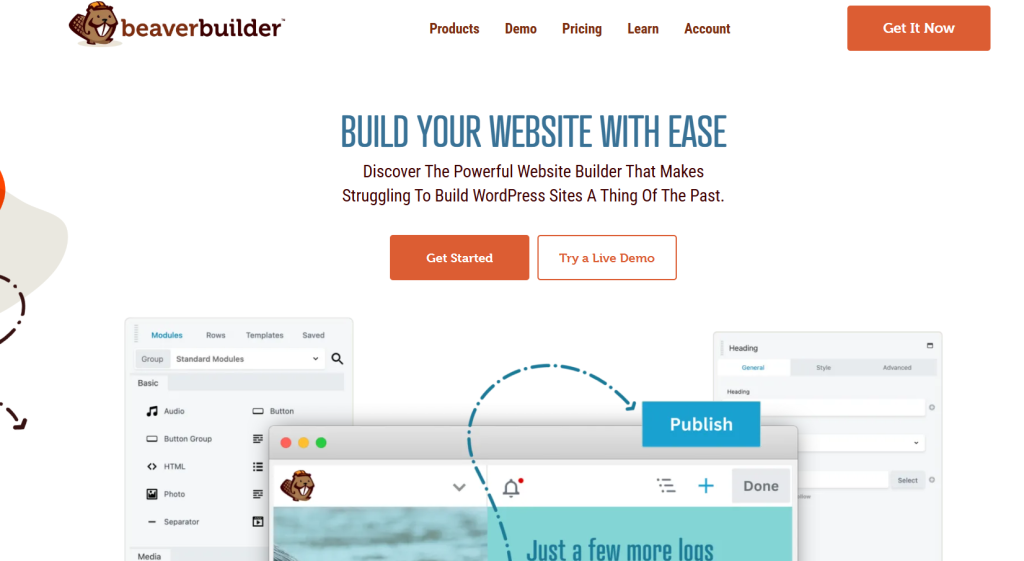
Beaver Builder focuses on stability. It avoids flashy features and sticks to predictable output. That makes it reliable.
Key Features
- Front-end drag and drop website builder
- Clean and readable HTML output
- Theme builder support
- Developer-friendly hooks
- Stable updates
Pros
- Clean code compared to many builders
- Reliable across WordPress updates
- Less bloat than most visual builders
- Easy to maintain over time
Cons
- Limited design controls out of the box
- Fewer templates
- UI feels dated
- Requires addons for advanced layouts
Best Use Case in 2026
Beaver Builder suits long-term business sites. If you want a WordPress editor plugin that stays out of the way and does not break things, this is a safe choice.
3. Spectra (Gutenberg Blocks)
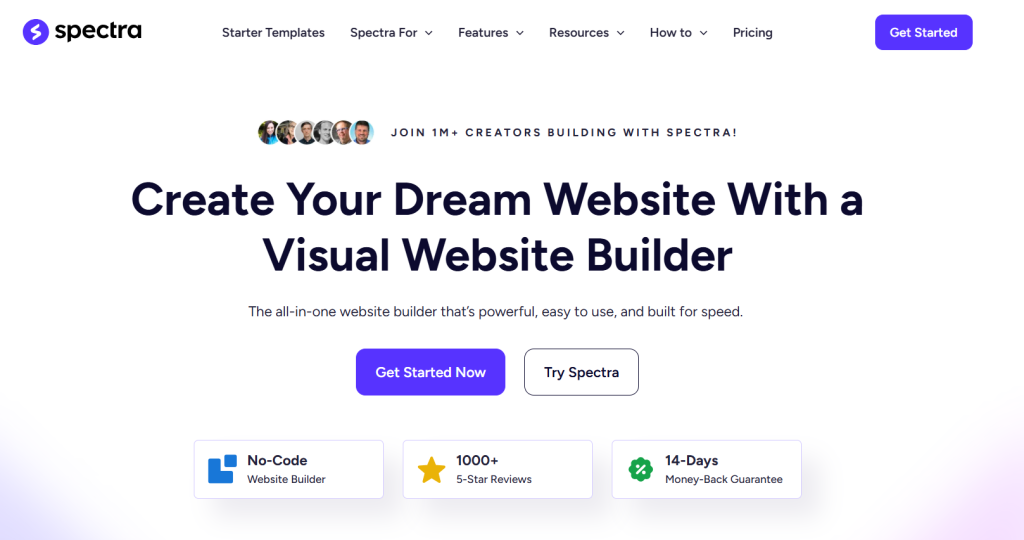
Spectra is not a classic WordPress page builder. It extends the WordPress block editor. That changes how sites load and scale.
Key Features
- Block-based editor built on Gutenberg
- Lightweight CSS and JS
- Global styling controls
- Works with native WordPress editing
Pros
- Very fast page output
- Clean HTML structure
- Low lock-in risk
- Free version is usable
Cons
- Not a full visual builder
- Less layout freedom than Elementor
- Requires understanding blocks
- Complex designs take more setup
Best Use Case in 2026
Spectra is ideal for SEO-focused sites. If you want a fast WordPress page builder plugin without heavy bloat, this is a strong option. Best for blogs, content sites, and performance-driven projects.
4. Bricks Builder
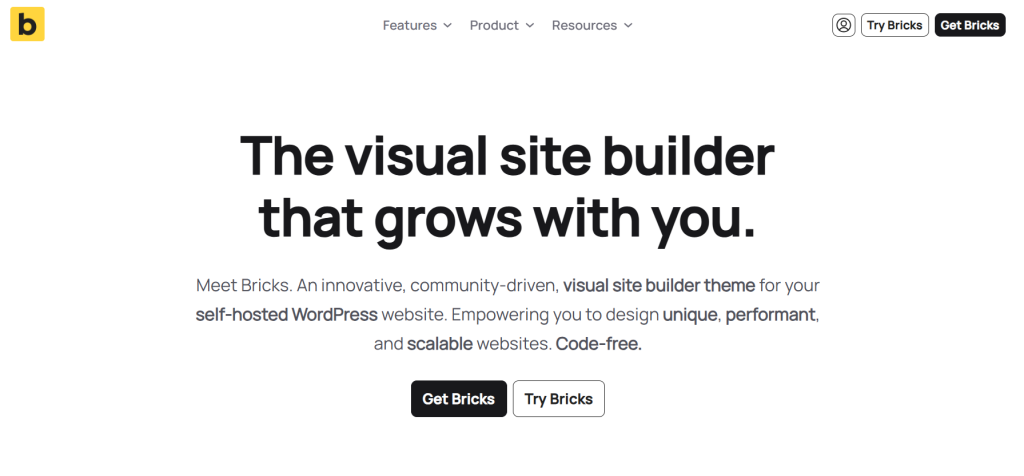
Bricks is built for performance first. It behaves more like a design framework than a visual toy.
Key Features
- Full site editing support
- Visual drag and drop builder with clean output
- Dynamic content and custom fields
- Conditional logic and reusable components
Pros
- Very fast page load times
- Minimal CSS and JS
- Strong control over layout and structure
- Lifetime pricing
Cons
- Steeper learning curve
- Smaller template library
- Not beginner friendly
- Limited third-party addons
Best Use Case in 2026
Bricks fits serious projects. If you want a drag and drop website builder that prioritizes performance and control, this is one of the best choices available. Ideal for developers and SEO-driven sites.
5. Oxygen Builder

Oxygen is not built for casual users. It replaces theme output and gives full layout control. That makes it one of the most powerful WordPress page builder plugins, but also one of the strictest.
Key Features
- Full site design control
- Visual drag and drop builder with advanced layout tools
- Dynamic data and custom field support
- Minimal front-end code output
Pros
- Very clean HTML and CSS
- Excellent performance scores
- No theme dependency
- Lifetime pricing option
Cons
- Steep learning curve
- Can break theme-based plugins if misused
- Not beginner friendly
- Editing content requires some structure awareness
Best Use Case in 2026
Oxygen is best for developers and advanced users. If performance, clean code, and full control matter more than ease of use, this WordPress editor plugin delivers strong results.
6. Divi Builder
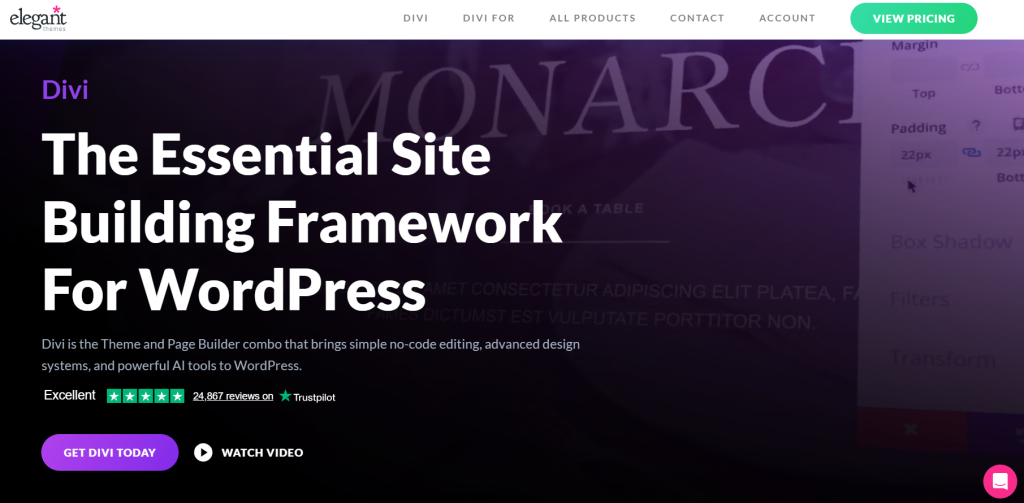
Divi focuses on visual freedom. It trades performance for design flexibility. That tradeoff is clear in real-world use.
Key Features
- Visual drag and drop website builder
- Large template library
- Built-in A/B testing
- Theme and plugin versions
Pros
- Strong visual editing tools
- Many pre-built layouts
- One license works across sites
- Active development
Cons
- Heavy CSS and JavaScript output
- Slower load times on complex pages
- Shortcode lock-in
- Requires tuning for SEO
Best Use Case in 2026
Divi works for design-heavy sites where visuals matter more than raw speed. It can act as an easy drag and drop website builder for agencies that value layouts over performance.
7. SeedProd

SeedProd is focused. It does not try to be a full site builder. It does one job well.
Key Features
- Landing page drag and drop builder
- Conversion-focused blocks
- Email marketing integrations
- Lightweight output
Pros
- Very easy to use
- Fast page creation
- Clean landing page code
- Good integration support
Cons
- Limited design scope
- Not suitable for full websites
- WooCommerce support is basic
- Template-driven layouts
Best Use Case in 2026
SeedProd fits marketing teams. If you need an easy drag and drop website builder for landing pages, opt-ins, or campaigns, this tool makes sense.
8. WPBakery Page Builder

WPBakery is still common because of legacy themes. Its popularity is not based on modern standards.
Key Features
- Backend and front-end editing
- Shortcode-based layout system
- Theme bundled availability
Pros
- Works with many older themes
- One-time license cost
- Familiar interface for legacy users
Cons
- Heavy shortcode lock-in
- Poor performance output
- Weak SEO structure
- Outdated editing experience
Best Use Case in 2026
WPBakery should only be used if you are maintaining an existing site. As a modern drag and drop website builder, it falls behind. New projects should avoid it.
9. Kadence Blocks
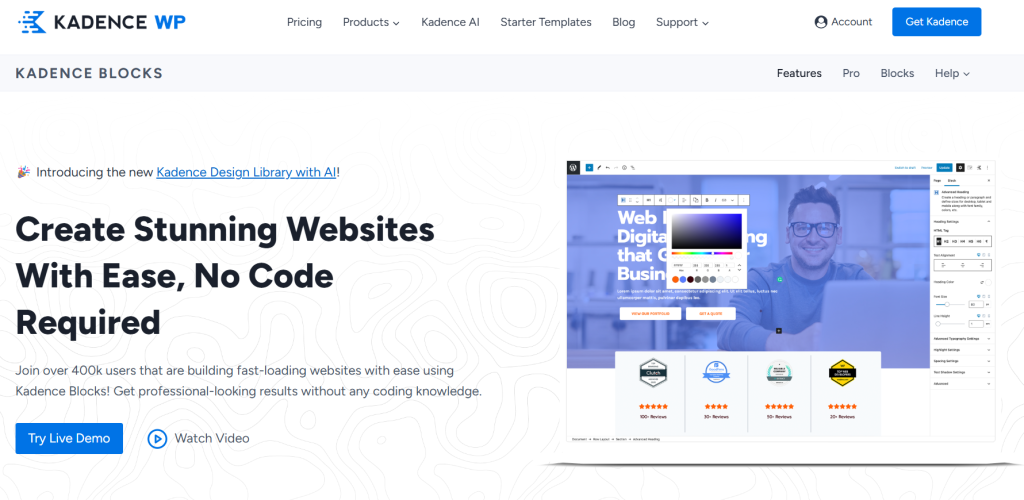
Kadence Blocks builds on the WordPress editor instead of replacing it. It aims for balance. More control than default blocks. Less bloat than visual builders.
Key Features
- Advanced Gutenberg blocks
- Global styling controls
- Dynamic content support
- Works with native WordPress editor
Pros
- Very fast front-end output
- Clean HTML structure
- Low lock-in risk
- Free version covers most needs
Cons
- Not a full visual drag and drop builder
- Layout freedom is limited compared to Elementor
- Complex designs need planning
- Fewer ready-made templates
Best Use Case in 2026
Kadence Blocks is a strong WordPress page builder plugin for content-first sites. It suits blogs, service sites, and SEO-focused projects that want speed without complexity.
10. GenerateBlocks
GenerateBlocks takes minimalism seriously. It gives fewer blocks but better control.
Key Features
- Lightweight Gutenberg blocks
- Advanced layout controls
- No unnecessary assets
- Works with GeneratePress and other themes
Pros
- Extremely fast performance
- Clean and predictable code
- No shortcode lock-in
- Stable long-term choice
Cons
- Smaller block library
- Steeper learning curve than basic builders
- No templates in free version
- Not ideal for visual designers
Best Use Case in 2026
GenerateBlocks is ideal for performance-driven sites. If you want a WordPress editor plugin that keeps output clean and fast, this is one of the safest choices.
Best WordPress Page Builder Plugin by Use Case
This section removes guesswork. Different sites need different tools. There is no single best drag and drop website builder for everyone.
Best Page Builder Plugin for Beginners
Elementor
It is easy to learn. The interface is visual. Most tasks do not need technical knowledge. As an easy drag and drop website builder, it helps new users move fast.
Best Page Builder Plugin for Performance and SEO
Bricks Builder
It outputs clean code and loads fast. It avoids unnecessary assets. For SEO-focused projects, this WordPress page builder plugin stands out.
Best Page Builder Plugin for WooCommerce Stores
Elementor
It offers strong product and shop layout controls. It integrates well with WooCommerce extensions. For store owners who need design freedom, this drag and drop builder works well.
Best Page Builder Plugin for Developers
Oxygen Builder
It gives full control over the structure and output. Developers can build custom systems without theme limits. It is not easy, but it is powerful.
Best Lightweight Page Builder Plugin
GenerateBlocks
It loads fast. It stays out of the way. If you want a drag and drop website builder without visual clutter, this is the cleanest option.
Page Builders vs Gutenberg – What Should You Use in 2026?
This choice is no longer technical. It is strategic. Many sites use more tools than they need. That creates speed and maintenance problems.
When a Full Page Builder Is Overkill
If your site is content-driven, a full WordPress page builder plugin can slow you down. Blogs, documentation sites, and simple business pages rarely need complex layouts.
Visual builders add extra layers. More CSS. More scripts. More things to manage. In these cases, a full drag and drop builder solves a problem that does not exist.
When Blocks Outperform Builders
Gutenberg-based WordPress editor plugin works better when speed and clarity matter. Block systems like Spectra, Kadence Blocks, and GenerateBlocks load faster and keep HTML clean.
For SEO-focused sites, blocks often outperform classic builders. They give enough layout control without harming performance. This matters for Core Web Vitals and long-term rankings.
The Hybrid Approach
Many sites do not need an all-or-nothing setup. A hybrid approach works well in 2026:
- Use blocks for blog posts and core pages
- Use a drag and drop website builder for landing pages or complex layouts
Wrap Up – Which WordPress Page Builder Plugin Should You Choose?
There is no perfect WordPress page builder plugin. If you want speed, clean code, and SEO stability, block-based builders like Bricks, Kadence Blocks, or GenerateBlocks make more sense. If you need fast visual output and marketing pages, Elementor or Divi still work, but accept the performance tradeoff. Developers should choose Oxygen for control. Beginners should start with Elementor and move away later if needed.
Pick one that does not fight your content, your SEO, or your future changes.


