Most site owners reach a point where a mobile site is not enough. Pages feel slow. Navigation feels tight. And users want an app-like experience. This is where a WordPress mobile app plugin becomes useful.
A good WordPress app builder helps you convert a WordPress site to a mobile app without touching code. You get push notifications, cleaner layouts, and faster performance. And you keep people coming back because apps stay on their phones.
But not every tool is equal. Some plugins only change your theme. Some offer small UI tweaks.
Only a few work as a true WordPress app converter plugin built for no-coding app development.
This blog filters out the noise. It focuses on the WordPress plugins that actually build real apps for WordPress.
By the end, you’ll know which mobile app plugin option fits your site and how to move forward.
What Counts as a Real WordPress Mobile App Plugin
Not every plugin that claims to be a WordPress mobile app plugin can build an actual app. Some only adjust your theme. Some add mobile menus. That’s not what users want when they search for a way to convert a WordPress site to a mobile app.
A real solution works like a WordPress app builder. It creates a native app or a PWA. It syncs your content. It supports push notifications. And it should handle this through no coding app development.
If a tool can’t do this, it’s not a true WordPress app converter plugin. It might help with mobile design, but it won’t give you a real app that people can install on their phones.
This guide sticks to the WordPress plugins that meet this standard.
What are The Benefits of Turning Your WordPress Site Into a Mobile App
A strong WordPress mobile app plugin gives your site a better chance on mobile. Here are some of the key benefits of WordPress mobile app:
- A WordPress mobile app plugin gives your site faster loading and smoother navigation on phones.
- A WordPress app builder adds features you can’t get on a normal site. Push notifications, offline access, and home-screen install.
- When you convert a WordPress site to a mobile app, you control the mobile layout instead of relying on a resized desktop theme.
- A WordPress app converter plugin removes the need for custom coding or hiring developers.
- Most tools support no coding app development, which makes launching an app simple for stores, blogs, and membership sites.
How to Choose the Right WordPress Mobile App Plugin
- Start by checking if the tool is a real WordPress mobile app plugin and not just a mobile theme or menu addon.
- Look at how the WordPress app builder handles content sync, push notifications, and layout control.
- If you want to convert a WordPress site to a mobile app for a store, make sure it supports WooCommerce.
- Pick a WordPress app converter plugin that gives you stable iOS and Android builds, not just a basic wrapper.
- Choose tools that offer no coding app development, so you can manage updates without hiring developers.
10 Top WordPress Mobile App Plugin Options
This is the part most people care about. You want a WordPress mobile app plugin that’s stable, easy to manage, and reliable. And you want to avoid plugins that only change your theme or add a mobile layout.
Each option below works as a real WordPress app builder. They help you convert a WordPress site to a mobile app without writing code.
Every plugin here qualifies as a true WordPress app converter plugin built for no coding app development.
Let’s get into the list.
AppPresser
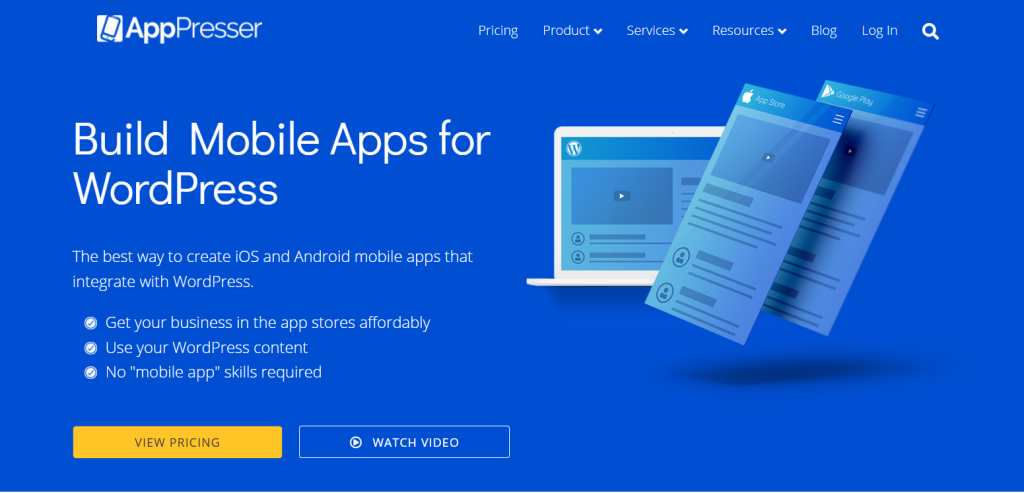
AppPresser is a WordPress mobile app plugin that converts your site into a real native iOS or Android app. It integrates tightly with WordPress and supports popular plugins like WooCommerce, LearnDash, and BuddyPress.
It’s built for users who want a full-featured app without starting from scratch.
Key Features
- Converts a WordPress site to a mobile app seamlessly.
- Supports push notifications for user engagement.
- Access to device features like camera, geolocation, and storage.
- Integrates with WooCommerce for eCommerce apps.
- Works with LearnDash for online courses.
- BuddyPress integration for social communities.
Ideal Use Cases
- Online stores want a mobile app for sales.
- Membership or community sites.
- E-learning platforms with mobile students.
Price Notes
Starts at $79/month (billed monthly) or $59/month (billed annually).
WPMobile.App

WPMobile.App is a WordPress app builder that lets you convert your WordPress site to a mobile app quickly. It supports both Progressive Web Apps (PWA) and real native apps for iOS and Android.
It’s designed for users who want no coding app development and a simple app setup.
Key Features
- Convert a WordPress site to a mobile app in minutes.
- Works as a WordPress app converter plugin for native iOS and Android apps.
- Provides Progressive Web App support for app-like experiences in browsers.
- Customizable app design and themes.
- Push notifications included.
- Free version available for basic apps.
Ideal Use Cases
- Bloggers and content sites are looking for a mobile app presence.
- Small businesses want a simple mobile app without coding.
- Users who want both PWA and native app options.
Price Notes
One-time payment for Lifetime License: €99 (Android) / €99 (iOS) / €189 (Both).
MobiLoud

MobiLoud is a WordPress mobile app plugin designed to convert content-heavy WordPress sites into native apps. It focuses on news sites, blogs, and publishers who want a polished mobile presence without coding.
Key Features
- Convert WordPress site to mobile app automatically.
- WordPress app converter plugin for iOS and Android.
- Syncs website content in real-time.
- Supports push notifications for user engagement.
- Optimized for high-performance mobile experience.
- No coding app development needed.
Ideal Use Cases
- News websites and blogs.
- Membership content sites.
- Publishers wanting to reach readers on mobile.
Price Notes
Starts at $299/month (billed monthly) + $850 one-time publishing fee.
AppMySite
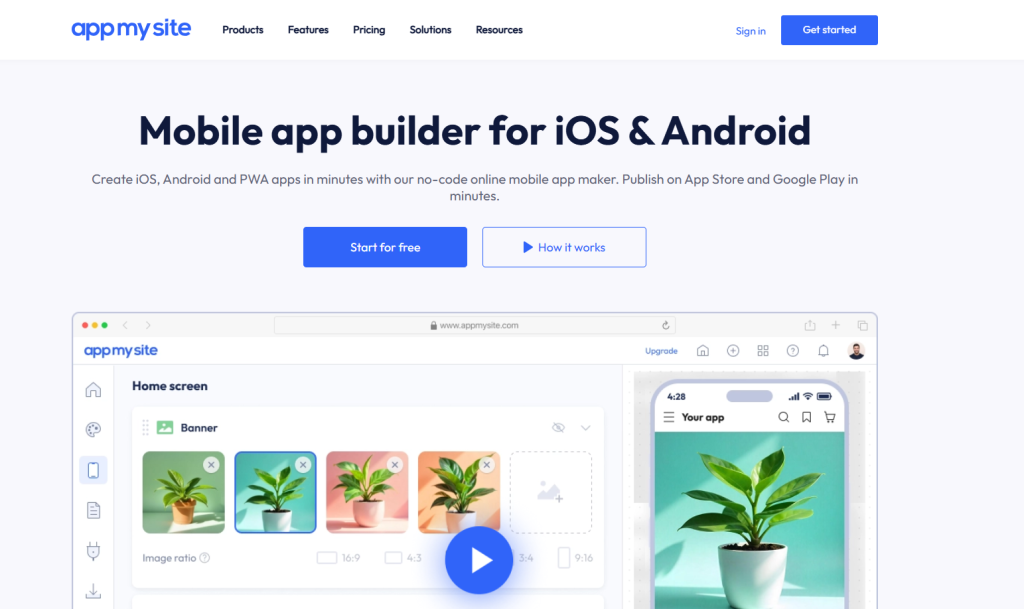
AppMySite is a WordPress mobile plugin that lets you convert WordPress sites into mobile apps quickly. It’s designed for WooCommerce stores, business sites, and bloggers who want no coding app development.
Key Features
- Convert WordPress site to mobile app without coding.
- Works as a WordPress app converter plugin for iOS and Android.
- WooCommerce integration for mobile stores.
- Customizable app design and branding.
- Push notifications are supported.
- Free tier available for basic apps.
Ideal Use Cases
- Small business owners and entrepreneurs.
- WooCommerce store owners wanting a mobile app.
- Users who want a simple WordPress app builder.
Price Notes
Pricing is complex. The lowest paid plan for a PWA is typically $9/month. A paid plan to build a Native App usually starts higher.
SuperPWA

SuperPWA is a WordPress mobile app plugin that focuses on Progressive Web Apps. It transforms your website into a Progressive Web App (PWA) that can be installed on users’ devices, delivering app-like experiences directly through the browser.
Key Features:
- Enables “Add to Homescreen” functionality.
- Supports offline mode with service workers.
- Custom splash screens and icons.
- Push notifications and background sync.
Ideal Use Cases:
- To provide an app-like experience for content-heavy sites.
- News outlets, blogs, or service providers wanting better engagement and retention.
Price Notes:
Free core plugin. The pricing of extensions is often part of a bundle, not a single $69 fee.
PWA for WP & AMP

Adds Progressive Web App capabilities to WordPress and AMP (Accelerated Mobile Pages) pages, ensuring fast, reliable mobile experiences.
Key Features:
- Enables PWA features on AMP and non-AMP pages.
- Push notification support.
- Offline viewing.
- Customizable app icons and splash screens.
Ideal Use Cases:
- Accelerating mobile site load times while adding offline access.
- Content publishers wanting to improve mobile SEO and user retention.
Price Notes:
Free with optional premium features (Extensions) starting from $59/year.
AndroApp

A simple solution to convert your WordPress site into a native Android app, with options for customization and integration.
Key Features:
- Supports push notifications.
- Homescreen shortcuts and app icon customization.
- Cloud-based CMS for easy content management.
- Social media and sharing integrations.
Ideal Use Cases:
- Blogs, community sites, or small e-commerce stores targeting Android users.
- Non-developers wanting quick app deployment.
Price Notes:
Pricing is opaque and often outdated online. Previous plans included a $99 lifetime license for Android only.
WebViewGold
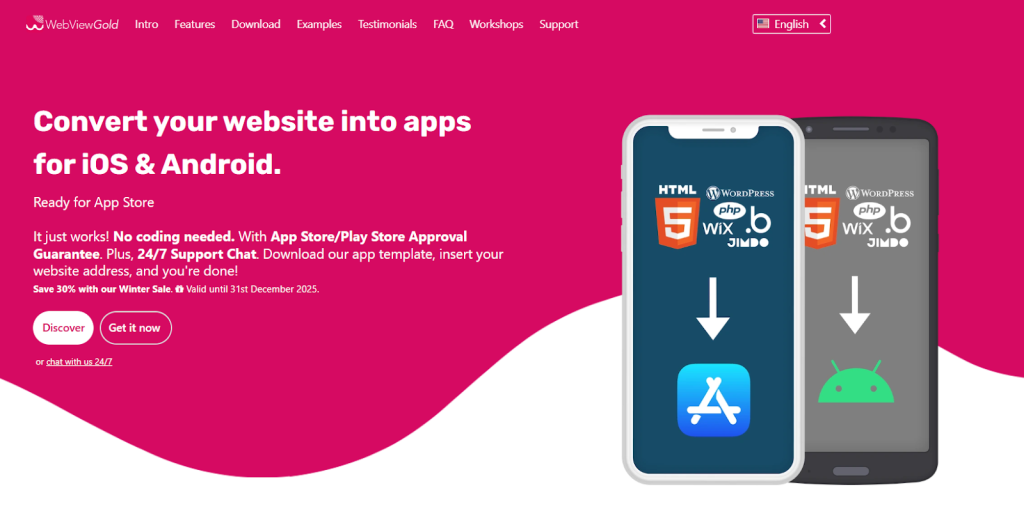
WebViewGold is a WordPress app converter plugin. It is a specialized tool that wraps your existing website into a native Android or iOS app via WebView, suitable for quick deployments.
Key Features:
- Converts any website into a native app with minimal setup.
- Supports push notifications, offline mode, and deep linking.
- Custom splash screens and app icons.
- Easy integration with existing CMS.
Ideal Use Cases:
- Speedy app development for marketing campaigns or internal tools.
- Static sites or websites without complex native features.
Price Notes:
One-time purchase starting at $99 for iOS or Android versions, with bundle options available.
WappPress
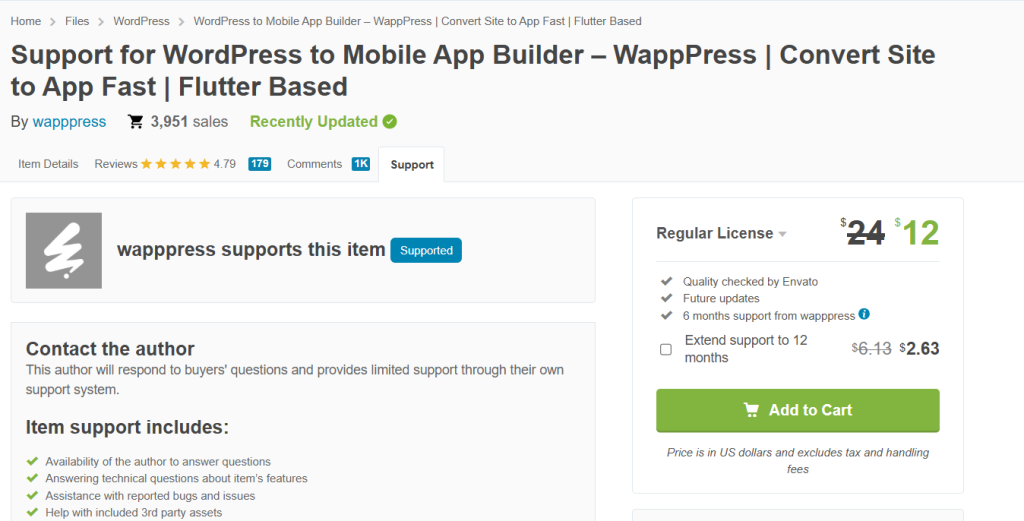
WappPress is a popular, low-cost WordPress mobile app plugin. It leverages the simplicity of a plugin interface to quickly convert your WordPress site into a native Android-only app.
It operates primarily as a WebView wrapper but includes essential native features like push notifications and AdMob integration for monetization.
Key Features:
- One-click Android app generation,
- support for custom themes and homepages unique to the app,
- AdMob integration,
- Firebase push notifications
Ideal Use Cases:
- Sites prioritizing a fast, low-budget entry into the Google Play Store.
- Small businesses specifically targeting the Android user base.
Price Notes:
Pricing typically starts around $29–$49 for a regular license via marketplaces like CodeCanyon.
Webkul WooCommerce Mobile App Builder (Mobikul)
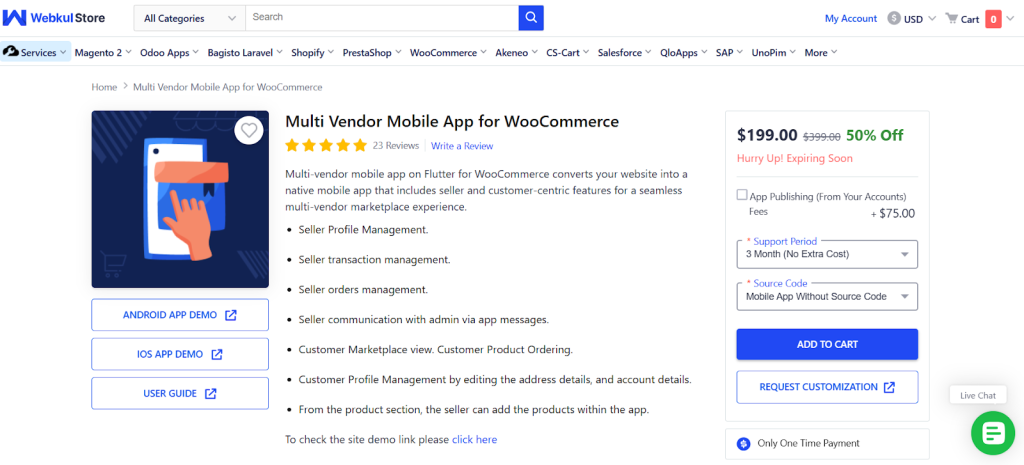
This builder is a robust, dedicated solution for turning a WooCommerce store into a professional native mobile app. Unlike general builders, Webkul’s focus on e-commerce means it supports complex WooCommerce features like various product types, payment gateways, and essential e-commerce workflows, which are often weak points for general plugins.
Key Features:
- Full support for WooCommerce product types and payment methods
- Offline mode for product catalog viewing
- Unlimited push notifications
- Detailed user account management features specific to e-commerce.
Ideal Use Cases:
- Dedicated WooCommerce store owners who require high reliability
- Deep feature support for their mobile shopping application.
Price Notes (Complex Structure):
One-time purchase for the plugin/platform license, generally around $249. However, there are significant additional, recurring fees for publishing services and ongoing support that must be factored in.
Comparison Table: Native Apps vs PWAs
Here’s a clear side-by-side view to help you decide quickly.
| Feature | Native Apps | Easy, updates reflect immediately on the site |
|---|---|---|
| Cost | Higher (development & app store fees) | Low to medium (plugin or builder costs) |
| App Store Presence | Listed on Google Play / Apple App Store | No listing, accessible via browser |
| Performance | Fast, full device access | Good, limited device features |
| Maintenance | Updates required for each OS | Easy, updates reflect immediately on site |
| Approval Requirements | App Store approval needed | No approval, instant deployment |
This table makes it easy to weigh cost, performance, and effort before committing to a WordPress app builder or WordPress app converter plugin.
Integrating New User Approve Into Your Mobile App Strategy
If your WordPress site is membership-based or requires controlled user access, New User Approve now has a dedicated mobile app.
How This Helps Your WordPress Mobile App Plugin Strategy
- You can approve or deny new user registrations directly from your phone. That means even when you go mobile, you retain control over who joins your site.
- The app syncs with your WordPress dashboard, so you don’t need to log in to the back-end just to manage new users.
- It supports no coding app development in the sense that once the base plugin is installed, managing user approval is handled via the app. No extra code needed.
Best Use Cases
- Private membership sites
- Communities or forums where quality control matters
- Sites using invitation codes or manual approval flows
Price Notes
New User Approve’s plans start at $59.99/year for a basic site, and go up to $99.99/year for advanced features. Want the best deal? Grab the Black Friday offer here.
Wrap Up
Choosing the right WordPress mobile app plugin depends on your site goals, budget, and audience. Whether you want to convert a WordPress site to a mobile app for sales, content delivery, or member engagement, focus on tools that support no-coding app development and deliver smooth mobile experiences.
The right plugin can turn your WordPress site into a mobile-ready platform, improving overall user experience. Investing in a reliable solution like the New User Approve app can save time, reduce maintenance headaches, and help you reach mobile users effectively.