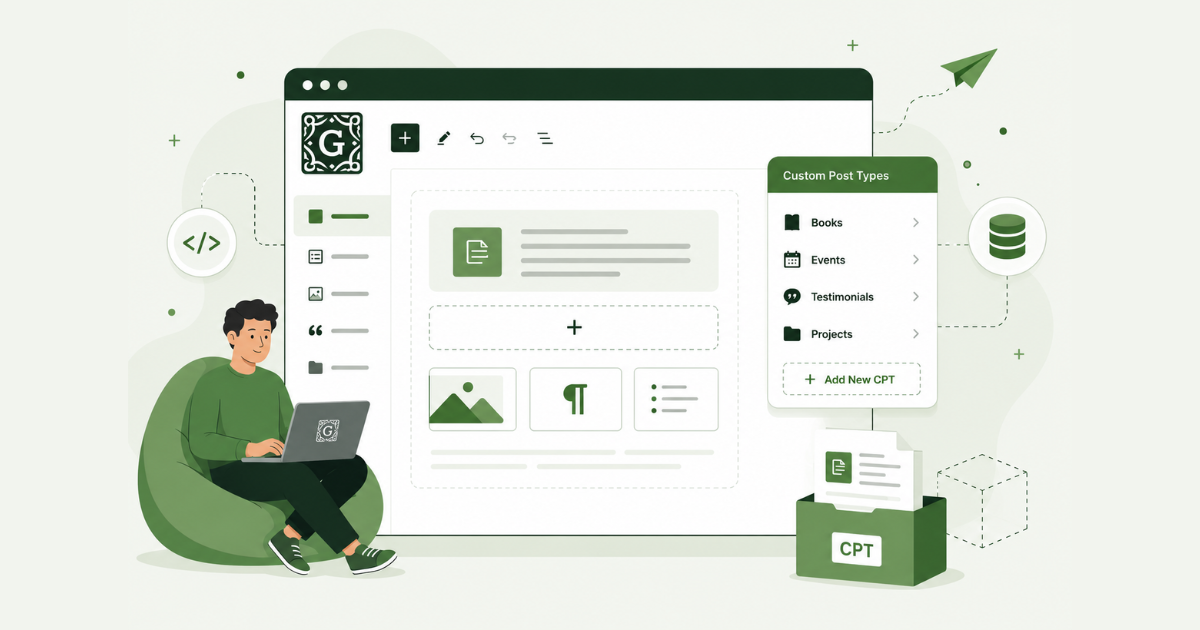
The WordPress ecosystem just hit a significant milestone in its evolution from a blogging platform to a full-scale content management system. The Gutenberg plugin (version 23.0) has introduced an experimental WordPress native CPTs manager.
Native custom post types allow users to create and manage complex content structures directly within the admin interface. This potentially ends the decade-long reliance on third-party WordPress plugins like CPT UI or Advanced Custom Fields (ACF) for basic architectural tasks.
The Technical Shift: From PHP to JSON
Traditionally, registering a custom post type required writing PHP in a theme’s functions.php file or a dedicated plugin. The new Gutenberg experiment moves this logic into the WordPress database. Configurations are saved as JSON objects within a private post type.
This approach follows the “site-as-data” philosophy established by theme.json, making the site’s structural skeleton as portable and editable as a block pattern.
By using the latest Data Views and Data Forms APIs, the WordPress interface is fast, responsive, and integrated into the modern Site Editor aesthetic. It is no longer just about labels and slugs. This is the foundation for a native Content Modeling System (CMS).
Step-by-Step: How to Test WordPress Native CPTs
If you are running a staging site, you can test this workflow today. Ensure you have the latest version of the Gutenberg plugin installed.
- Enable the Experiment. Navigate to Gutenberg > Experiments in your WordPress dashboard. Locate the Custom Post Types toggle and turn it on.
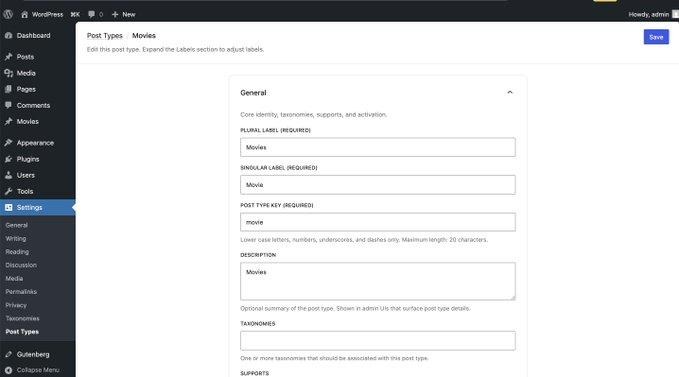
- Access the Manager. Go to Settings > Post Types. You will see a new interface for managing your site’s content types.
- Define Your Structure. Click “Add New.” Enter your singular and plural labels.
- Configure Slugs and Settings. Tweak the URL slug and visibility settings. Note that these are saved instantly to the database without requiring a code deploy.
- Test the Output. Once saved, your new post type should appear in the sidebar menu, ready for content entry.
You can test the early version here https://t.co/qPptDMAmKD
The “Database Debt” Trap in WordPress Native CPTs
While the community is largely celebrating this “no-code” victory, a unique risk emerges. By moving CPT registration from the file system to the database, WordPress is introducing a new form of “Database Debt.”
In professional environments, version control (Git) is the source of truth. When CPTs are stored as JSON blobs in wp_posts, they become harder to track, audit, and sync across local, staging, and production environments. We are trading the stability of hard-coded schema for the convenience of UI-based editing. For enterprise-level sites, this could create a fragmented architecture where site logic is scattered across both the database and the codebase.
Influencers Take on WordPress Native CPTs
The reaction from WordPress heavyweights has been swift.
- Jamie Marsland (head of WordPress YouTube) has called it “Better structured content from day one”. Read more about his take https://x.com/pootlepress/status/2051572614007767486?s=20
- Matt Cromwell (co-founder of GiveWP) is very excited about this new development. Read what he says about WordPress native CPTs: https://x.com/learnwithmattc/status/2051583857816735773?s=20
Wrap Up
WordPress native CPTs feature is still in an early stage and should be treated as a test rather than a finished product. Developers following the update have already pointed to possible schema concerns and other limitations that need refinement before the feature can be considered stable. Like most experimental WordPress tools, it is best suited for staging sites, internal testing, and feedback gathering rather than production use.